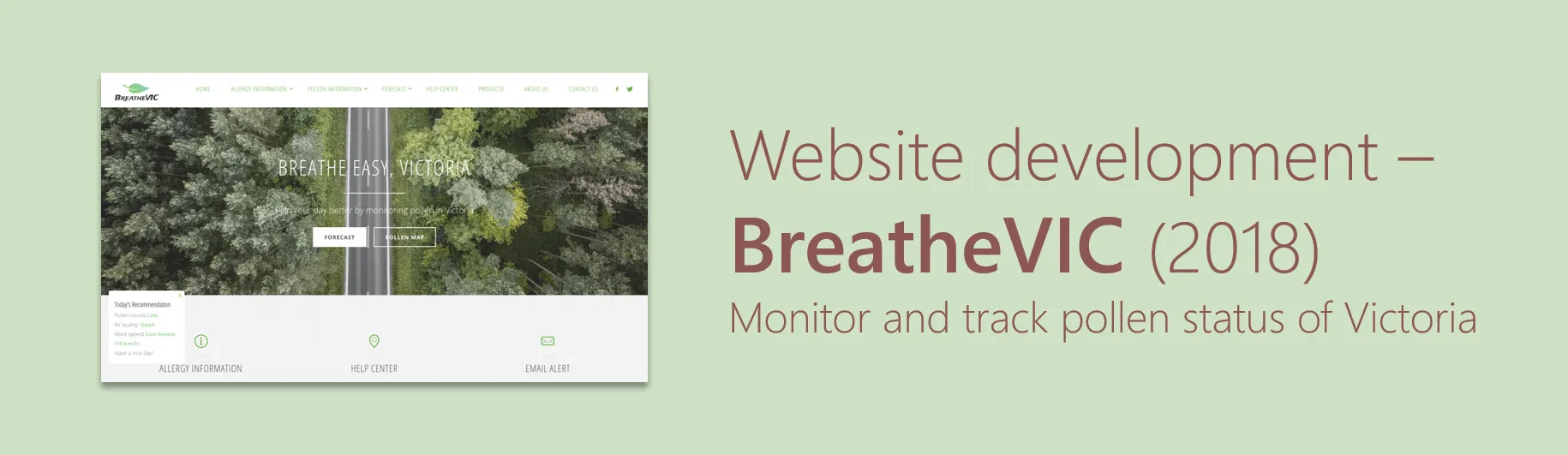
BreatheVIC was a university capstone project: build a production-quality web application for a real user problem. The problem we chose was pollen allergy management in Victoria — a condition that affects hundreds of thousands of Victorians, with thunderstorm asthma events making it genuinely dangerous for a subset of the population.
The core product question was: what information does a pollen-sensitive Victorian need to plan their day, and how do we surface it without requiring them to visit five separate websites?
What We Built
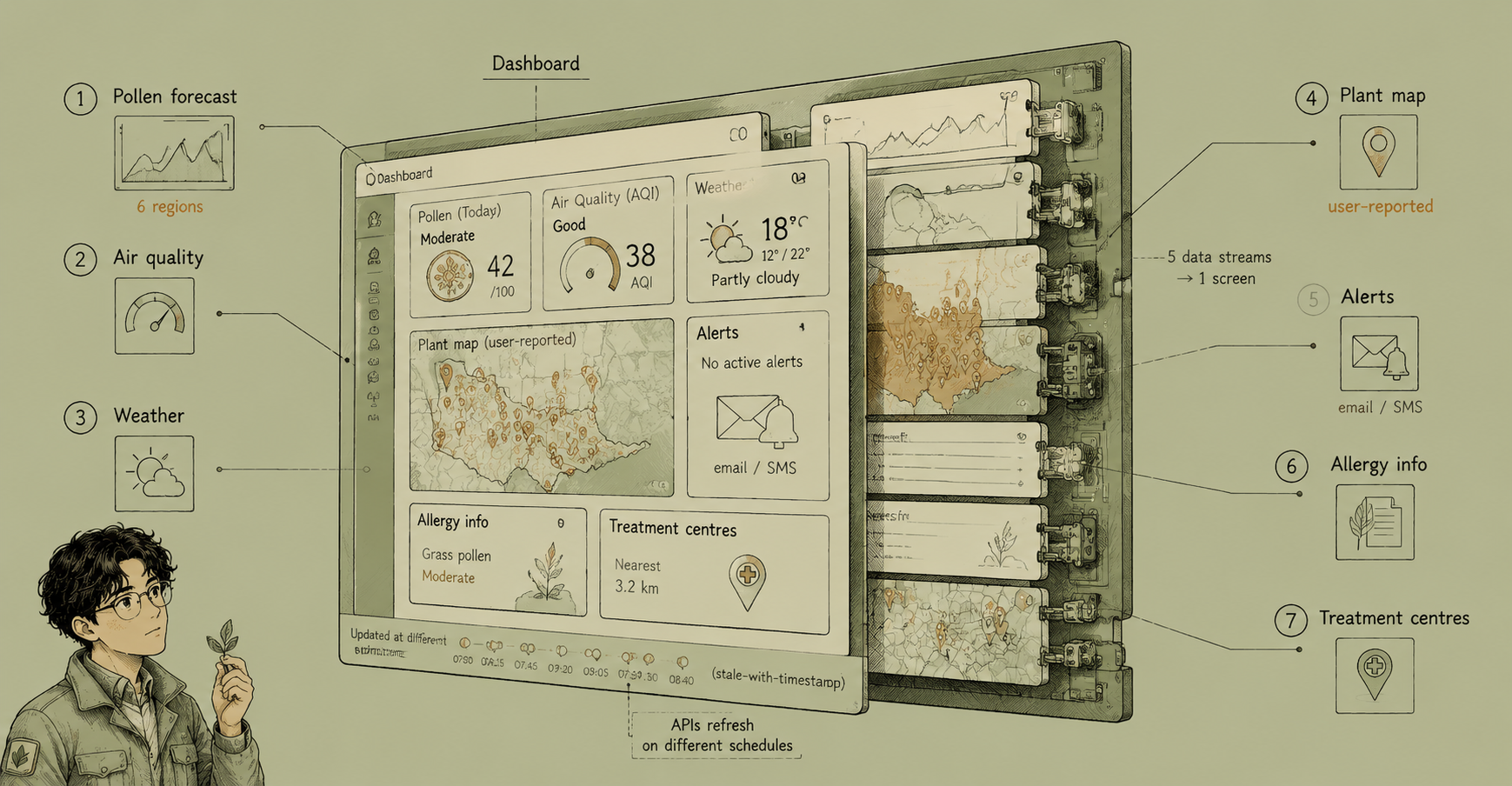
BreatheVIC combined five data streams into a single interface:
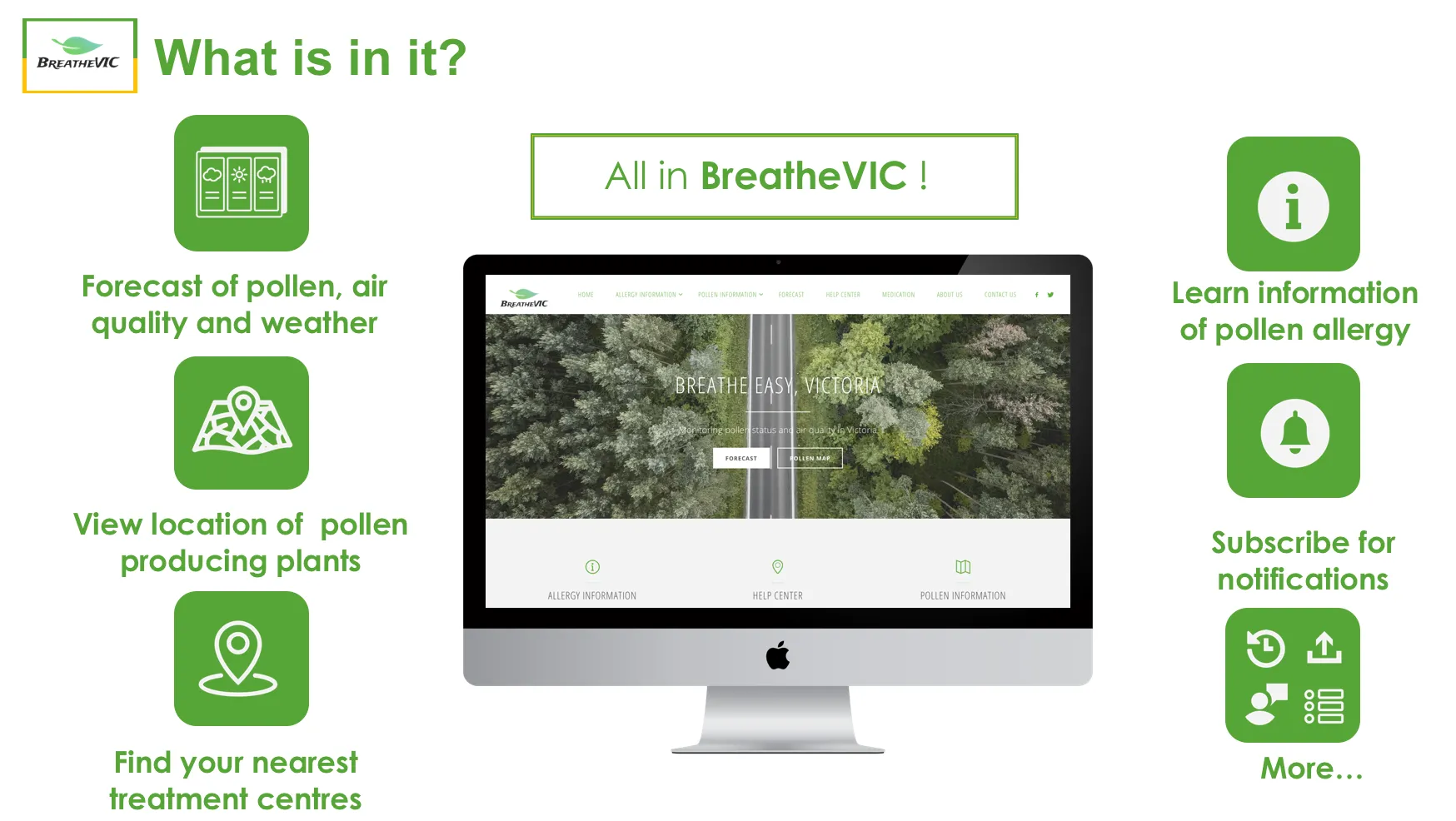
Pollen forecasts — integrated with the Melbourne Pollen Count monitoring network to show daily pollen levels. Pollen data was displayed as historical trend charts for six regions: Melbourne, Bendigo, Dookie, Churchill, Creswick, and Hamilton.
Air quality — pulled in real-time air quality index data, surfaced alongside weather conditions for the day.
Weather forecast — standard daily forecast integrated into the dashboard, giving users a combined view: pollen + air quality + weather in one place.
Plant sighting map — an interactive map showing locations of common pollen-producing plants in Victoria. Crucially, users could report their own sightings, adding geo-tagged entries to the shared dataset. This crowdsourcing angle made the map progressively more accurate over time.
Subscription alerts — users could subscribe to daily email or SMS notifications for their region, receiving a morning briefing with the day’s pollen, air quality, and weather outlook.
Feature Breakdown
| Feature | Description |
|---|---|
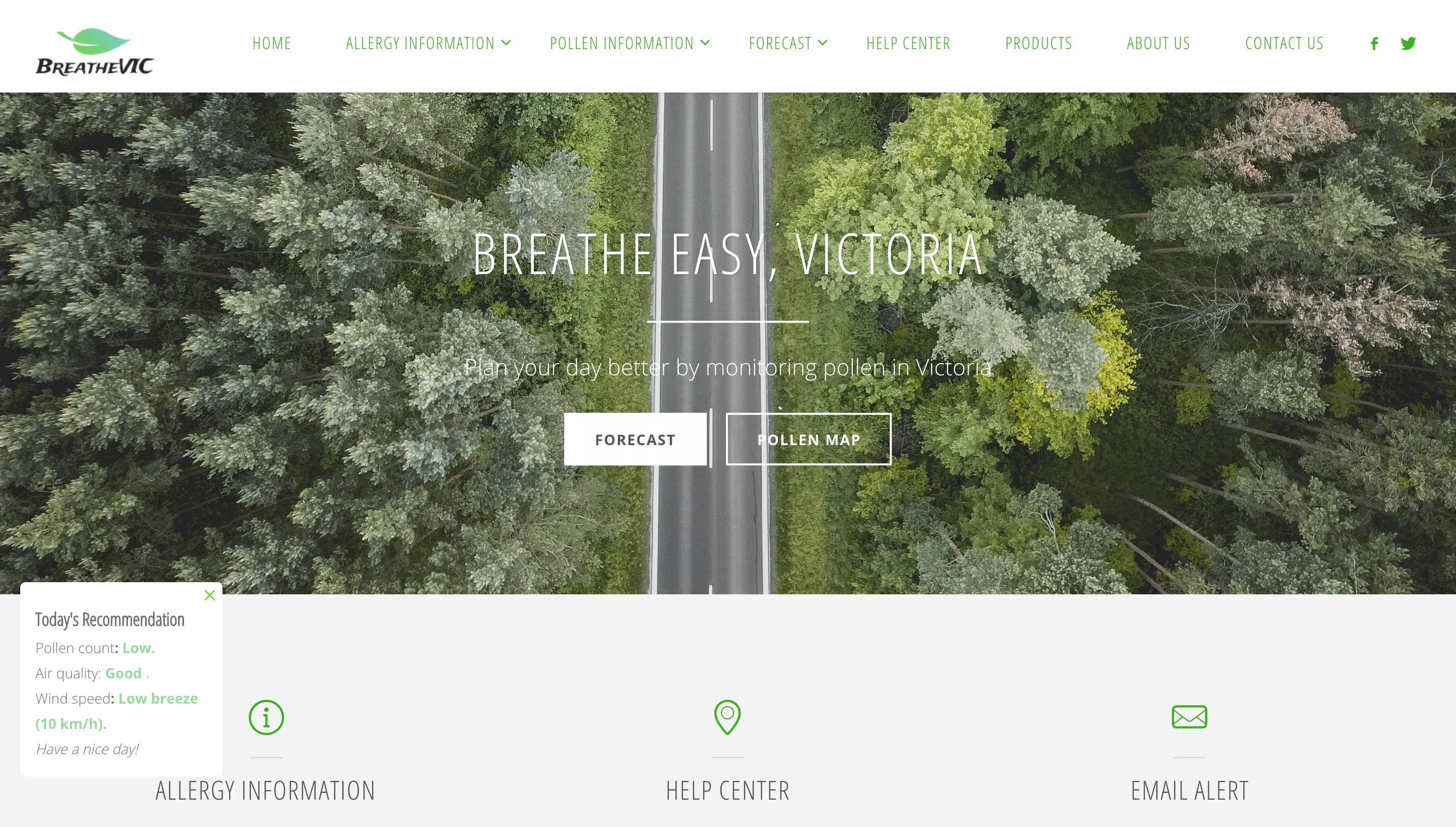
| Allergy information | Condition pages for hay fever, sinusitis, and asthma — causes, symptoms, treatment |
| Pollen visualisation | Historical pollen count charts per region |
| Plant sighting map | Interactive map with user-contributed sightings |
| Daily forecasts | Pollen + weather + AQI per region |
| Forecast subscription | Email/SMS opt-in with region selection |
| Treatment centres | Nearest GP/pharmacy lookup via map |
| Relief products | Curated product list with reviews and Chemist Warehouse links |
The Community Contribution Problem
The plant sighting feature was the most interesting design challenge. Crowdsourced geographic data is only useful if the contributions are genuine, correctly located, and appropriately categorised. For a university project, we couldn’t deploy a full moderation system, so we focused on:
- Requiring users to select from a defined list of plant species (no free-text species entry)
- Auto-populating the location from browser geolocation with a manual override
- Showing sightings on the map with date stamps so staleness was visible
A live production version would need moderation, duplicate detection, and probably some confidence scoring — but the core submission flow worked cleanly within scope.
What BreatheVIC Was Missing (and Why That’s Instructive)
Looking back, the biggest limitation was that we were aggregating data from disparate sources without a unified data model. Pollen data, weather data, and AQI came from different APIs with different refresh cadences, different coverage areas, and different reliability SLAs. The app would sometimes show today’s pollen alongside yesterday’s weather because one API hadn’t updated yet.
A production system would need a backend that normalised refresh timing — fetching all data sources on a schedule, caching them in a single database, and serving from cache rather than live API calls on each page load. We were doing too many live callouts at render time.
That’s a lesson I’ve applied in subsequent work: external API integration should be decoupled from page rendering. Fetch on a schedule, persist, and serve stale-with-timestamp rather than failing live.