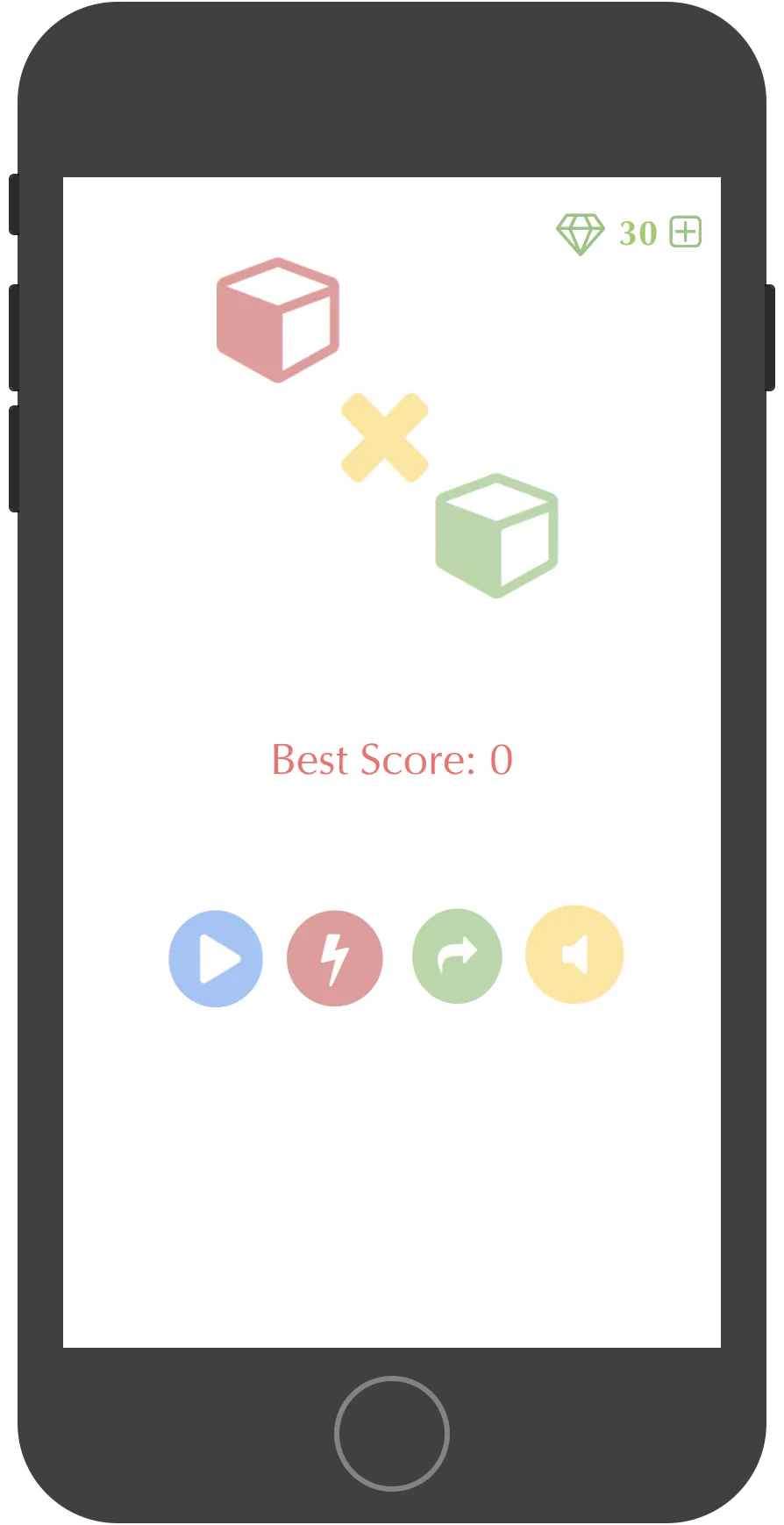
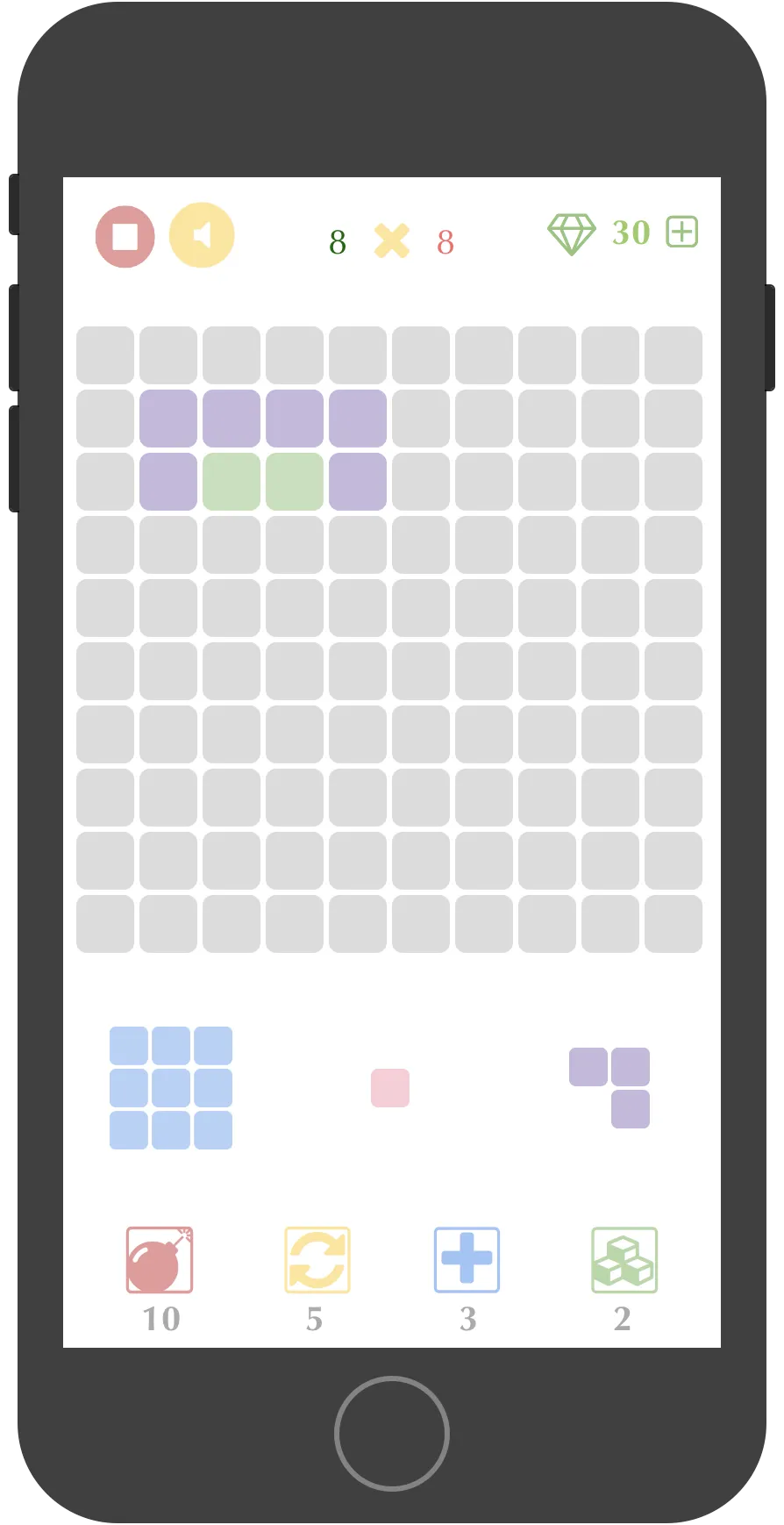
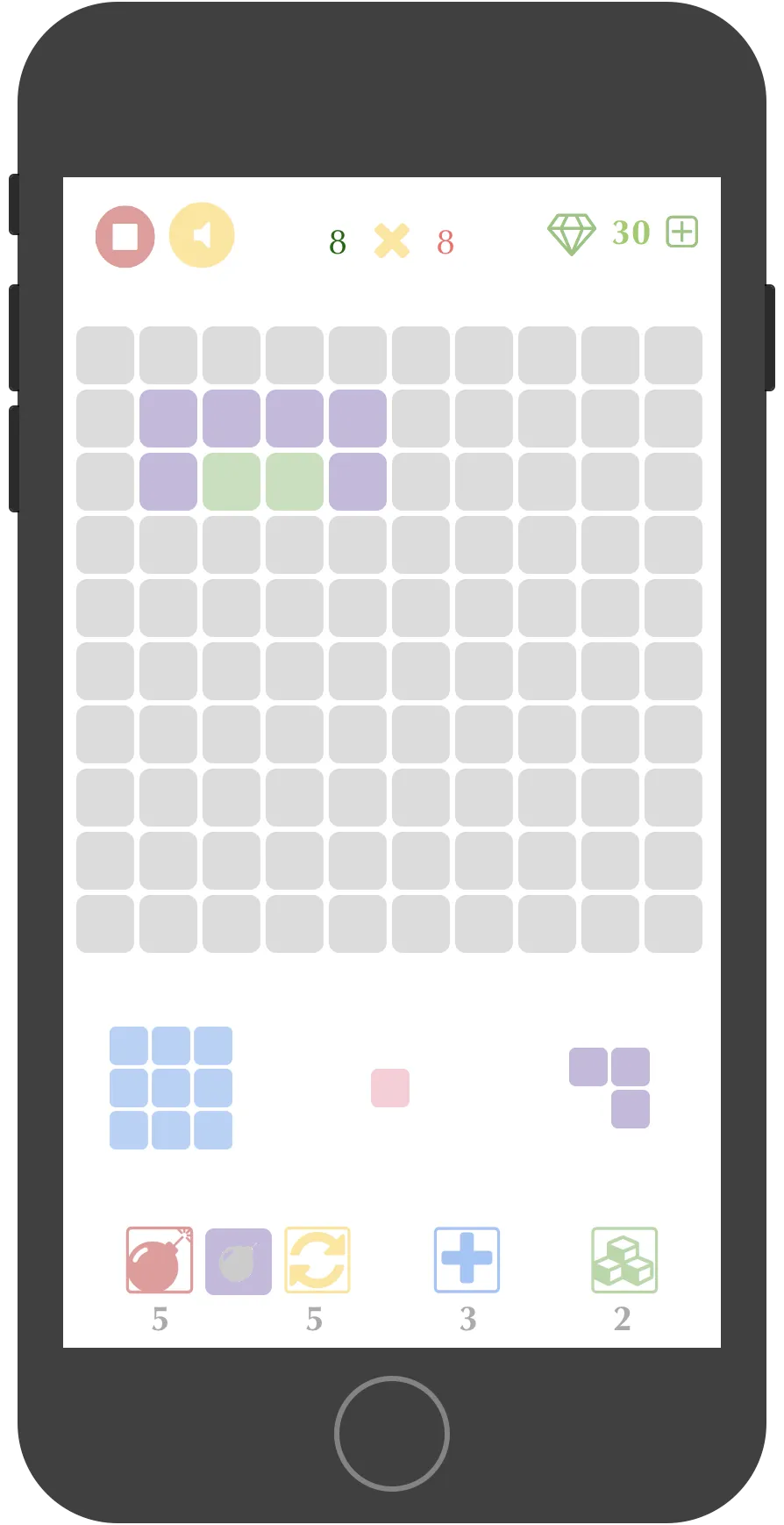
PuzzleXPuzzle is a mobile puzzle game I built in 2016, inspired by block-drop games like 1010!. The concept is simple: fill a 10×10 grid with pieces, clear full rows or columns, and keep going as long as there’s room to place the next set.
What made this more interesting to build than play was designing the removal mechanics — particularly the Special Power system — and getting the game state persistence right so players could resume mid-round.
How the Game Works
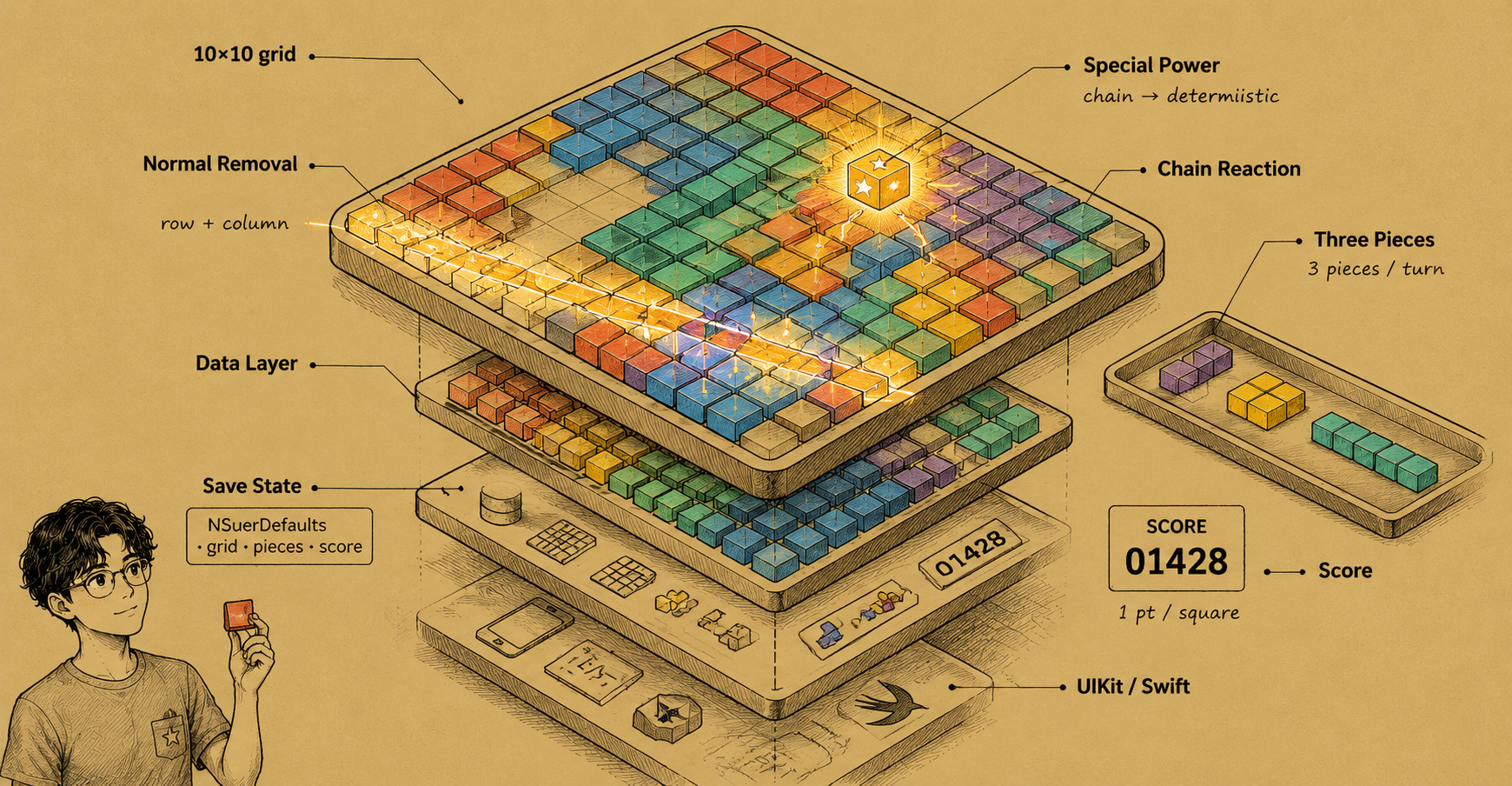
Each turn, the player receives three randomly generated pieces made of smaller unit squares. They drag pieces onto the board to fill the grid. When an entire row or column becomes fully occupied, it clears automatically — this is Normal Removal.
Special Power Removal triggers when a piece with a special property has one of its squares cleared by a Normal Removal. The remaining squares of that piece then activate a secondary effect: clearing extra squares, wiping an entire row, or triggering a chain reaction. Designing the interaction order (which fires first, and what constitutes a valid chain) was the main logic challenge.
Scoring is straightforward: one point per square cleared. The round ends when no valid placement remains for any of the three pending pieces.
State Persistence
The biggest UX requirement was that a player could close the app mid-round and return exactly where they left off. This was handled with NSUserDefaults and a simple serialisation layer over the board state:
- Board grid as a 2D array of cell states
- Current piece set and their positions
- Running score
The game checks on launch whether a saved round exists and restores it before showing the main menu. Simple, but it covered the core use case: someone commuting who gets to their stop mid-game.
Target Audience Design Decision
The game was deliberately scoped for fragments of time — short sessions (2–10 min) with no progression gates, no onboarding, and no dependency on continuous play. This meant:
- No save slots or accounts — single persistent session
- No timer, no pressure mechanics
- Rules explainable in one sentence
That simplicity constraint actually made the game design harder. Every mechanic had to earn its place without falling back on complexity as engagement.
What I Learned
Building a game in UIKit (rather than SpriteKit or Unity) meant manually managing the grid’s view hierarchy. Each cell was a UIView subclass; piece animations used UIView.animate. This was intentionally low-level — the goal was to understand iOS rendering before reaching for abstractions.
The Special Power chain logic was the most interesting engineering problem: figuring out the correct execution order, avoiding infinite loops when chained removals cleared more special pieces, and making the whole thing deterministic from a given board state.